COMPUTER NETWORKING 3
ROUTERS
A router provides connectivity between two logical networks. Every router in Packet Tracer can be switched on or off by using the provided power button. The power switch is required to make a device simulate its real counterpart. Modules can be added or removed only after powering off the device. If the running configuration is not saved, power cycling a device will make it lose its configuration.
We are using below router:-
Cisco 1941: This is similar to the previous model but runs on Cisco IOS Version 15. It has two ports that operate at Gigabit Ethernet speeds.
COMMANDS OF ROUTER
Enable -To get into privilleged exec mode in CLI.
Config t -To enter into Global configuration mode
Config-if-To enter into interface configuration
IP Address -Assigns address and subnet mask to interface
IP Route-Adds routing to router network
Exit -To exit the above modes.
ROUTER IMPLEMENTATION
CREATING NETWORK USING STATIC ROUTING

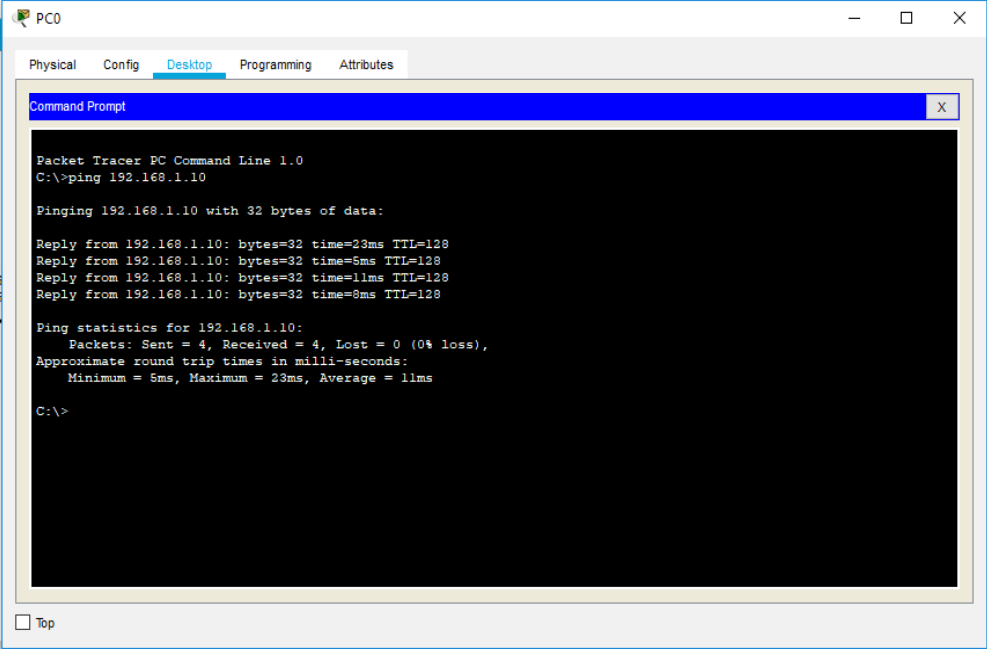
ENTER THE BELOW CODE CLI OF ROUTER 0:-
Router>enable
Router#config t
Router(config)#int gig0/1
Router(config-if)#IP Address 192.168.1.1 255.255.255.0
Router(config-if)#Exit
Router(config)#int se0/1/0
Router(config-if)#IP Address 192.168.2.1 255.255.255.0
ENTER THE BELOW CODE CLI OF ROUTER 1:-
Router>enable
Router#config t
Router(config)#int gig0/1
Router(config-if)#IP Address 192.168.3.1 255.255.255.0
Router(config-if)#Exit
Router(config)#int se0/1/0
Router(config-if)#IP Address 192.168.2.2 255.255.255.0
 Computer Networking